 Printo

From your phone,
to any printer.
With Printo, print photos, PDFs and text from your phone on the printer connected to your computer. It also works with printers without AirPrint, and it's free.
A friend invited you to Printo. Install Printo on your phone and computer and enter this code in the app. After your first print, you both get extra prints.
You're on your phone. You'll install Printo on the computer your printer is connected to; open this page there.
In just three steps
Ready in minutes.
No drivers, no network settings. Install, pair, print.
-
 01
01
Download and install
Install Printo on the computer your printer is connected to. It takes about a minute.
-
 02
02
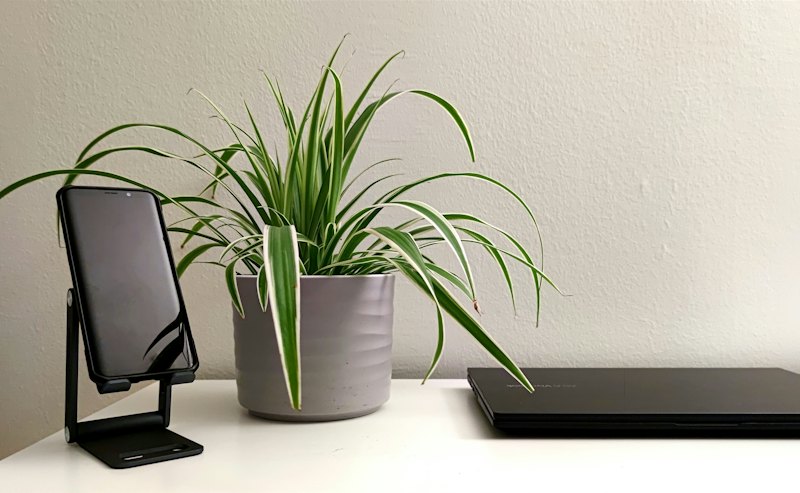
Pair with your phone
Printo on the computer shows a QR code. Scan it with Printo on your phone.
-
 03
03
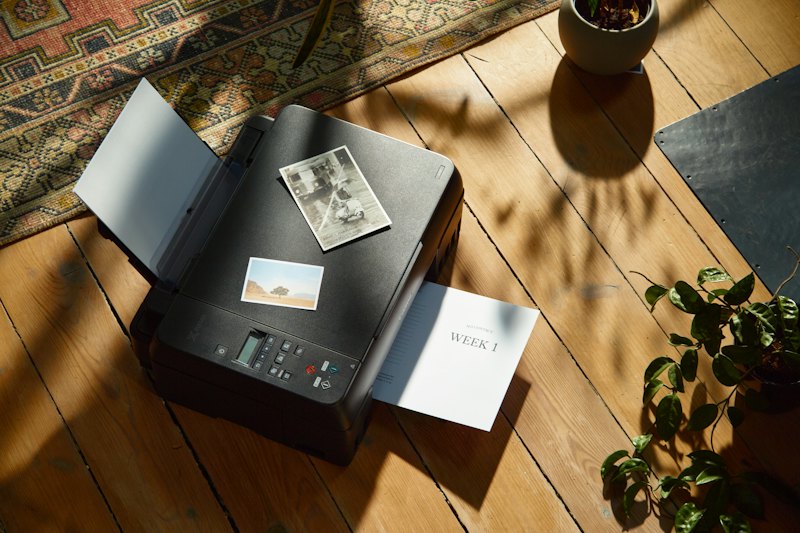
Print
Pick a photo, PDF or text and tap Print. It comes out of the printer at your computer.
Features
Whatever your printer.
Your old USB printer and the office network printer both become your phone's printers.
With any printer
No AirPrint or Wi-Fi needed. If your computer can print, so can Printo.
Print from
You don't need to be on the same network. If your computer is on and Printo is running, you can send from anywhere.
From the Share menu
Tap Share in Photos, Files or Safari and choose Printo.
Edit right on the paper
You see the page at its real size: from A4 to labels, it prints exactly as you see it.
Scan documents
Scan paper with the camera, straighten it and print with one tap.
Your documents stay yours
Documents aren't stored permanently; they stay on the computer only while printing.
Platforms
Your phone and your computer.
The Printo app on your phone, the Printo computer app on the computer your printer is connected to.
Pricing
Start free. Go Pro when you need more.
The computer app is always free. On your phone, 10 prints a month are included.
- 10 prints a month
- 1 printer
- Files up to 50 MB
- Computer app for Windows and Mac
- Unlimited prints
- Unlimited computers and printers
- Share a computer with up to 10 people
- Files up to 1 GB
A free trial may be available for new subscribers. Price and billing period are shown in the App Store before you subscribe.
Privacy and security
Private by design.
Printo moves a document from your phone to your printer and nothing more.
Deleted after printing
A document is deleted as soon as it is handed to the printer, or after 25 hours at most if it can't be delivered.
Encrypted in transit
Documents and requests travel over encrypted HTTPS connections.
You stay in control
Only computers you pair can print for you. Remove a computer in the app at any time.
Frequently asked
Your questions, answered.
My printer doesn't support AirPrint. Will it still work?
Yes. Printo works between your phone and your computer, not your printer. Every printer your computer can print to over USB or the network shows up in Printo.
Do my phone and computer need to be on the same Wi-Fi?
No. As long as the computer is on and Printo is running, you can send from anywhere while your phone is online.
Are my documents stored?
No. A document is kept only until it reaches your computer and is deleted as soon as it is handed to the printer, or after 25 hours at most if it can't be delivered.
Does it cost anything?
The Printo computer app is free for Windows and Mac. On your phone, 10 prints a month are free; with Printo Pro you print without limits, add as many computers and printers as you like and share your computer with family and team.
Which computers does Printo support?
Windows 10 and later, and Macs with Apple Silicon or Intel. Any printer your computer can print to works.
Can I share a printer with family or my team?
Yes. With Printo Pro you can invite up to 10 people to print on your computer, each with their own queue and limits.
What if the computer is off?
To print, the computer your printer is connected to must be on with Printo running.